Hello Learners! Welcome back. In the previous challenge, We understood the concepts of Terraform block, provider block and Resource block and we successfully provisioned a Docker container with the help of a Docker provider. In this challenge, we'll be parameterizing the values within the Terraform configuration files with the help of Variables. Let's start...
Terraform Variables:-
In Terraform, variables are essential for parameterizing and sharing values within Terraform configurations. Variables allow you to make your configuration more dynamic, reusable, and flexible. There are two types of variables we can use with Terraform
Input Variable:- They allow you to pass values into modules or configurations from the outside. Input variables can be defined within a module or at the root level of your configuration.
Output Variables:- They allow you to expose values from the module or configuration, making them available for use in other parts of your Terraform setup.
How to Use:-
1- Directly in Configuration file:-
You can set default values for your variables directly in your Terraform configuration file or separate the variable.tf file from main.tf for the variable is as follows.
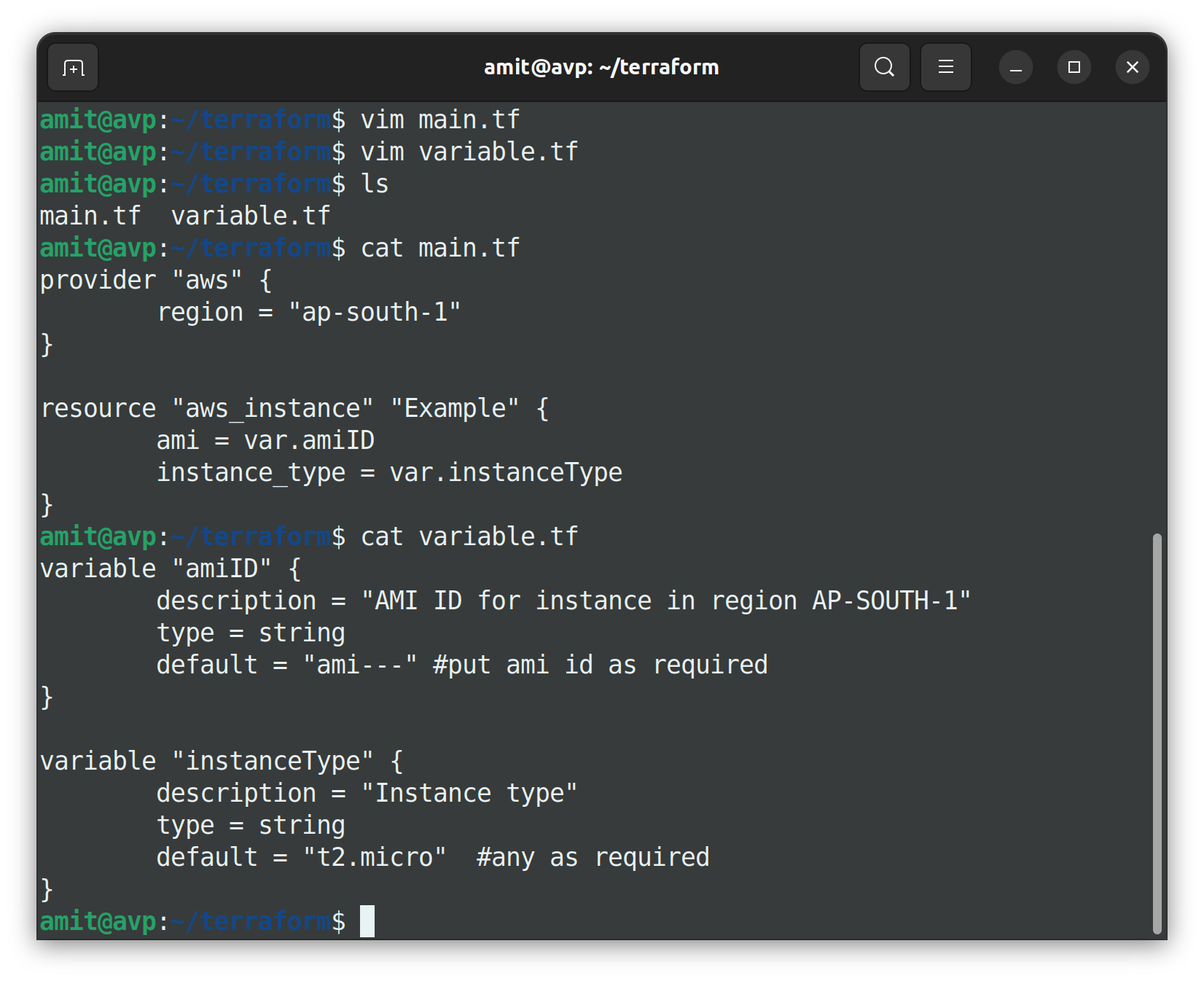
Or use it in one file i.e. main.tf as follows
variable "amiID" {
    description = "AMI ID for instance in region AP-SOUTH-1"
    type = string
    default = "ami---" #put ami id as required
}

variable "instanceType" {
    description = "Instance type"
    type = string
    default = "t2.micro"  #any as required
}

provider "aws" {
    region = "ap-south-1"
}

resource "aws_instance" "Example" {
    ami = var.amiID
    instance_type = var.instanceType
}
2- From the terminal:-
You can explicitly change the value of the variable using the -var flag with terraform apply/plan commands.
Example:- terraform apply -var "instanceType=t2.medium"
3- From terraform.tfvars file:-
If you don't want to change the default values provided in a variable.tf file but use different values for once, then use terraform.tfvars file to store variable values so at the time of execution Terraform uses variable values mentioned in terraform.tfvars file directly instead of default variable values.
You must have to use terraform.tfvars file with naming convention. If you customize the name for the .tfvars file then you must specify the file while executing the terraform apply/plan command.
terraform plan/apply -var-file=<custom-name>.tfvars
OR rename the file as <custom-name>.auto.tfvars so no need to use the -var-file option.
Task 1- Create a simple txt file with Terraform using the variable file.
Create main.tf file as shown below
resource "local_file" "devops" {
    filename = var.filename
    content = var.content
}
create variable.tf file
variable "filename" {
    default = "/home/ubuntu/terraform/local-file/file.txt"
}

variable "content" {
    default = "Hello, Amit Here!This file is created by terraform script"
}
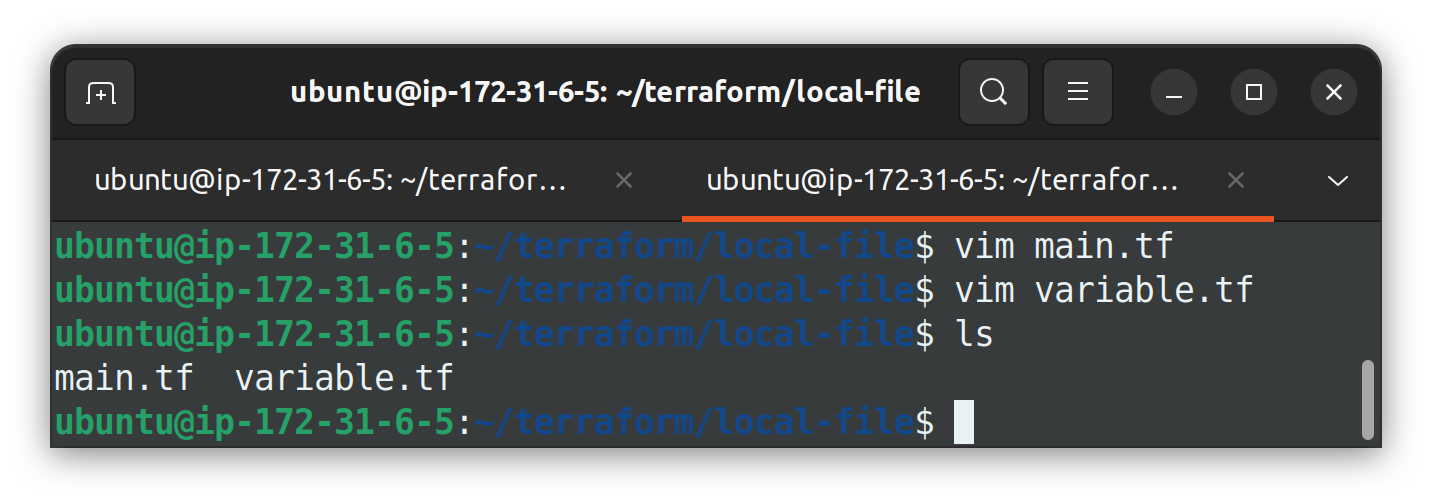
Use terraform init command to initialize with resources and apply after using terraform apply.
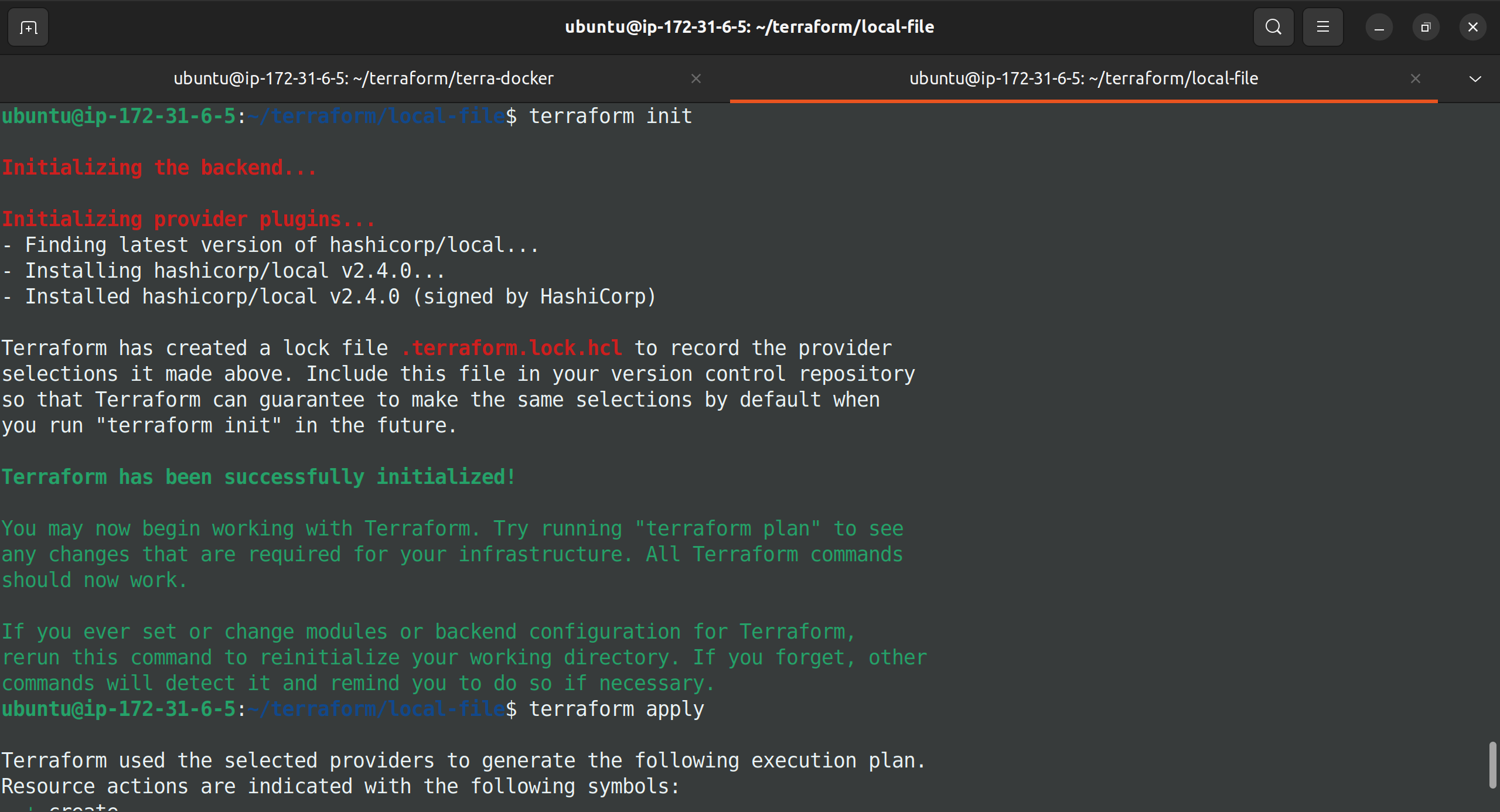
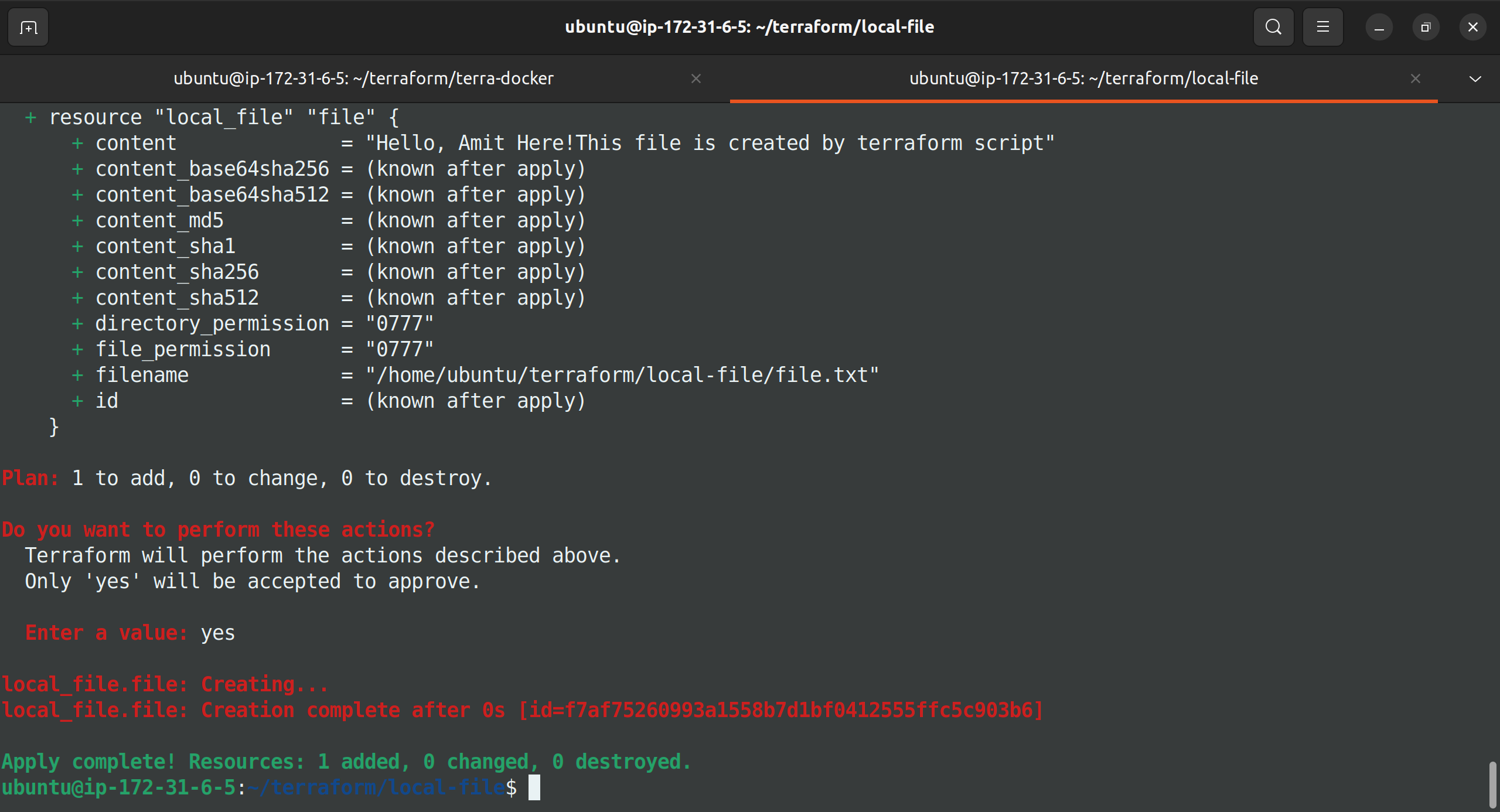
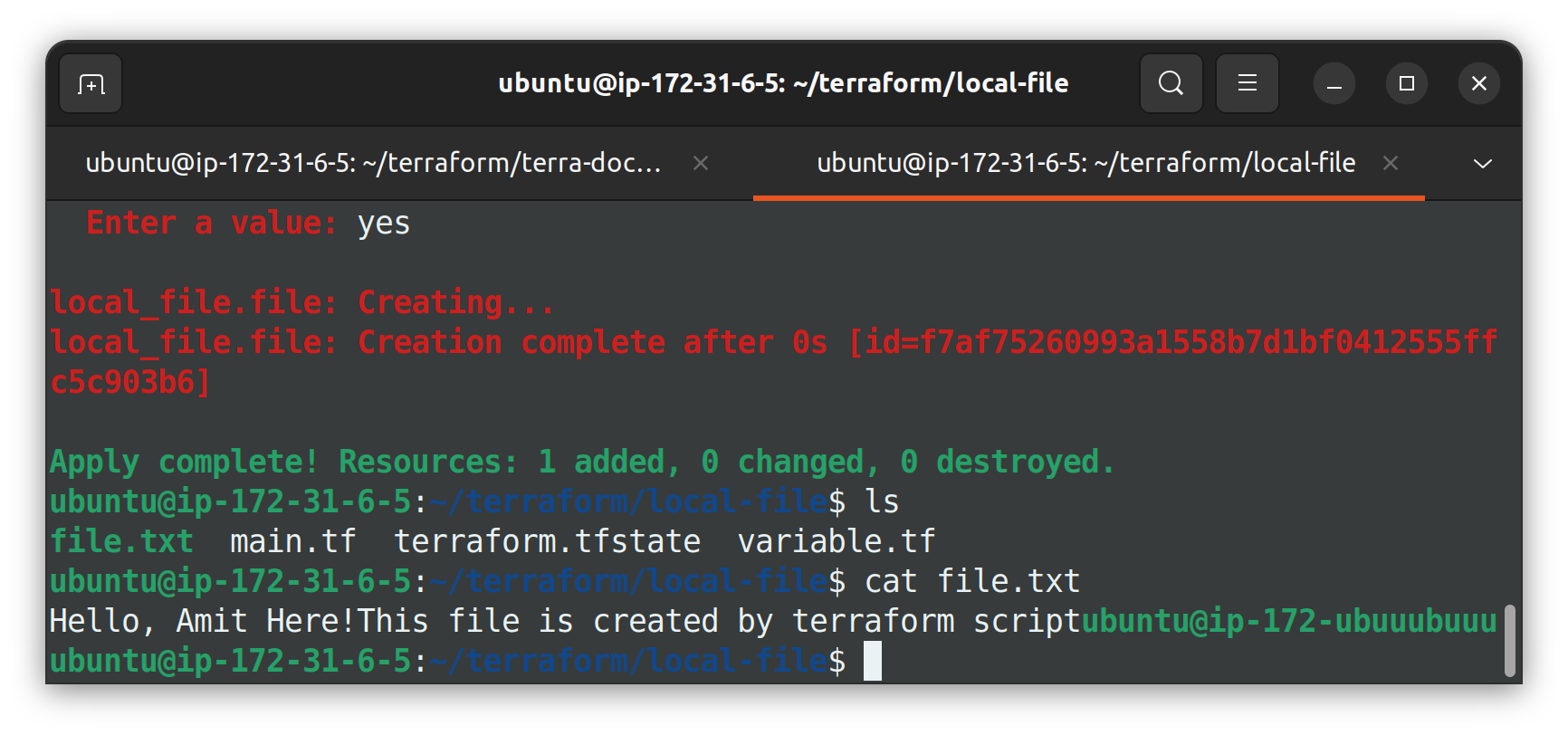
Cross-check changes.
Data Types in Terraform
Terraform supports various data types, each serving a unique purpose and use cases.
1- Map
In terraform, a map is a data structure that allows you to store and manage a collection of key-value pairs. Maps are often used to define input variables, output values, and resource configurations.
Task 2-
In the above example we created a file with some content, let's create two different files with different contents using map data type.
Make changes in variable.tf as shown below
variable "filename1" {
    default = "/home/ubuntu/terraform/local-file/file1.txt"
}

variable "filename2" {
    default = "/home/ubuntu/terraform/local-file/file2.txt"
}

variable "content" {
    type = map
    default = {
    "state1" = "This is cool"
    "state2" = "This is cooler"
    }
}
make changes in the main.tf file also
resource "local_file" "file1" {
    filename = var.filename1
    content = var.content["state1"]
}

resource "local_file" "file2" {
        filename = var.filename2
        content = var.content["state2"]
}
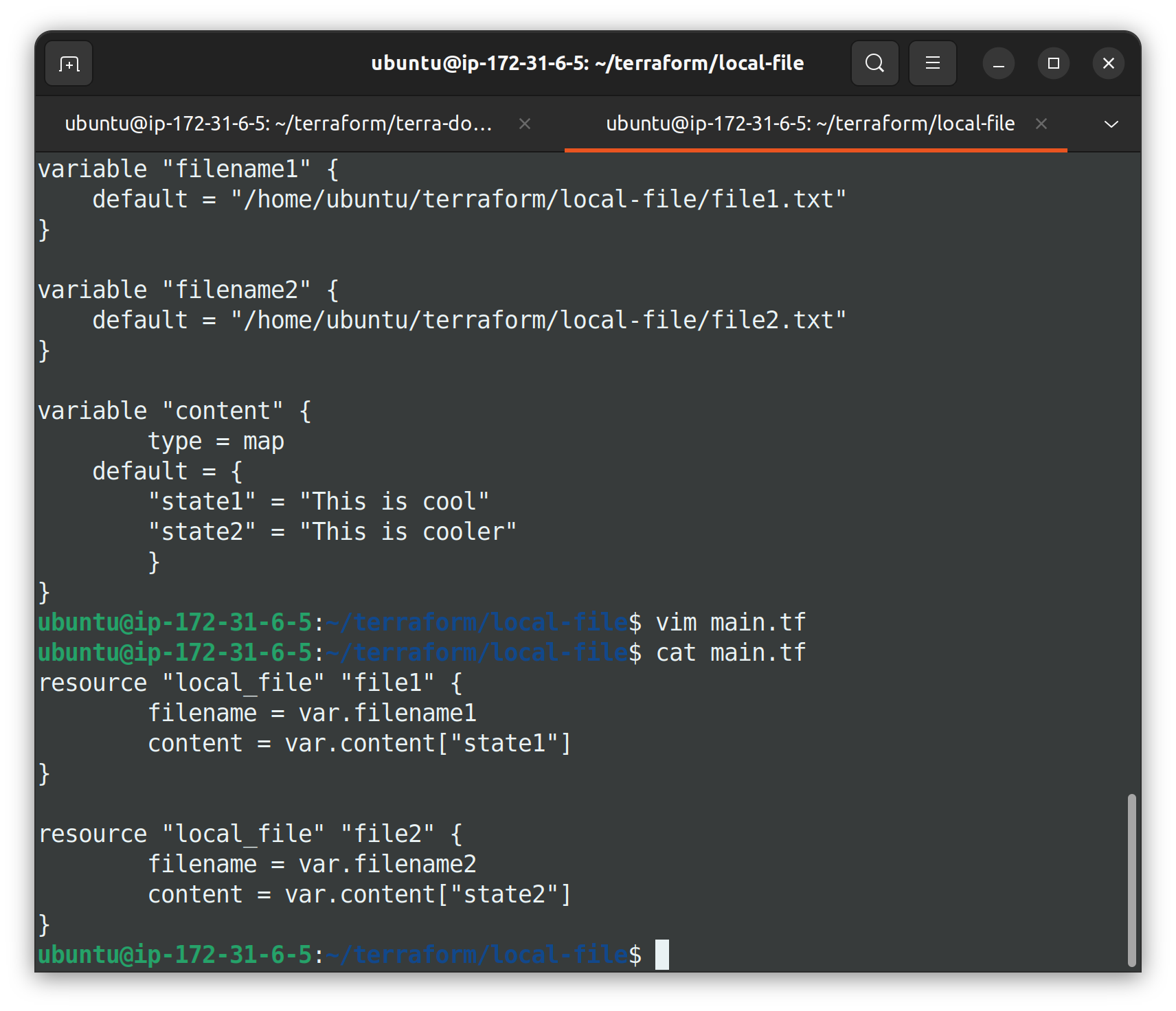
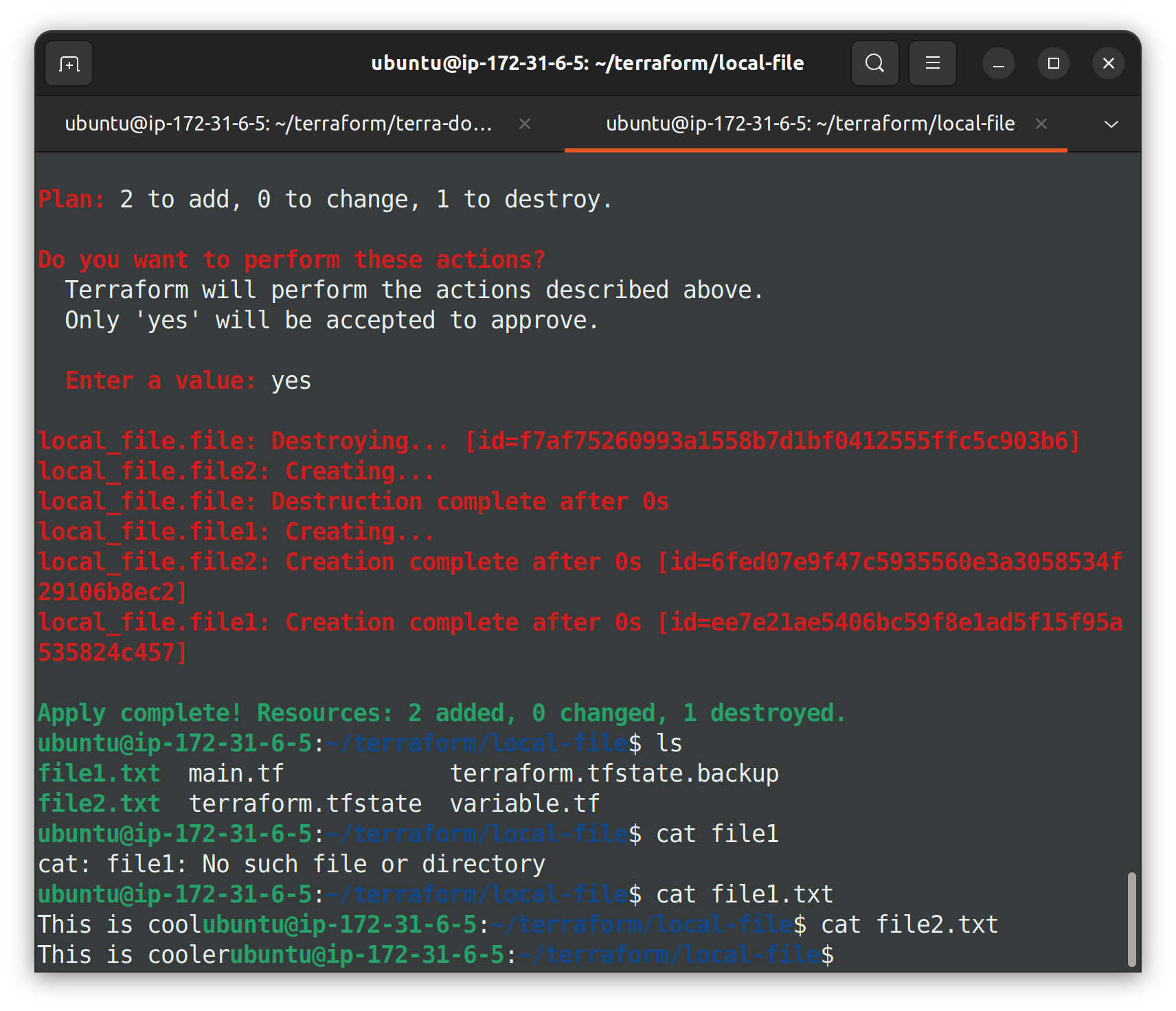
Apply the changes using the terraform apply command and check the created files.
2- List
A list is a data structure that allows you to store and manage a collection of values. Lists are often used to define input variables, output values, and resource configurations.
Task 3-
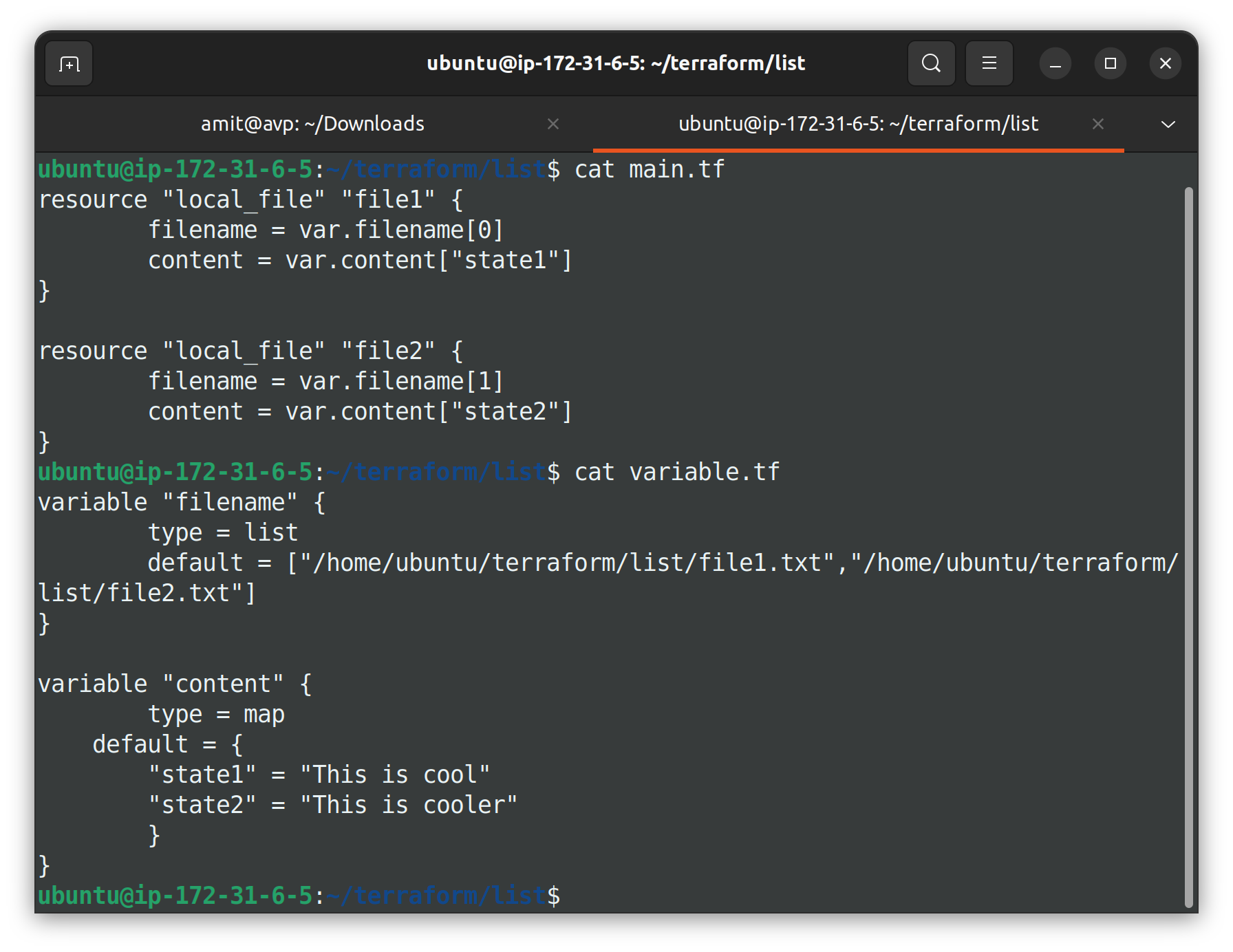
I will create main.tf and variable.tf in different directories to demonstrate this task.
Create variable.tf file as shown below
variable "filename" {
    type = list
    default = ["/home/ubuntu/terraform/list/file1.txt","/home/ubuntu/terraform/list/file2.txt"]
}

variable "content" {
    type = map
    default = {
    "state1" = "This is cool"
    "state2" = "This is cooler"
    }
}
Create main.tf as shown below
resource "local_file" "file1" {
    filename = var.filename[0]
    content = var.content["state1"]
}

resource "local_file" "file2" {
        filename = var.filename[1]
        content = var.content["state2"]
}
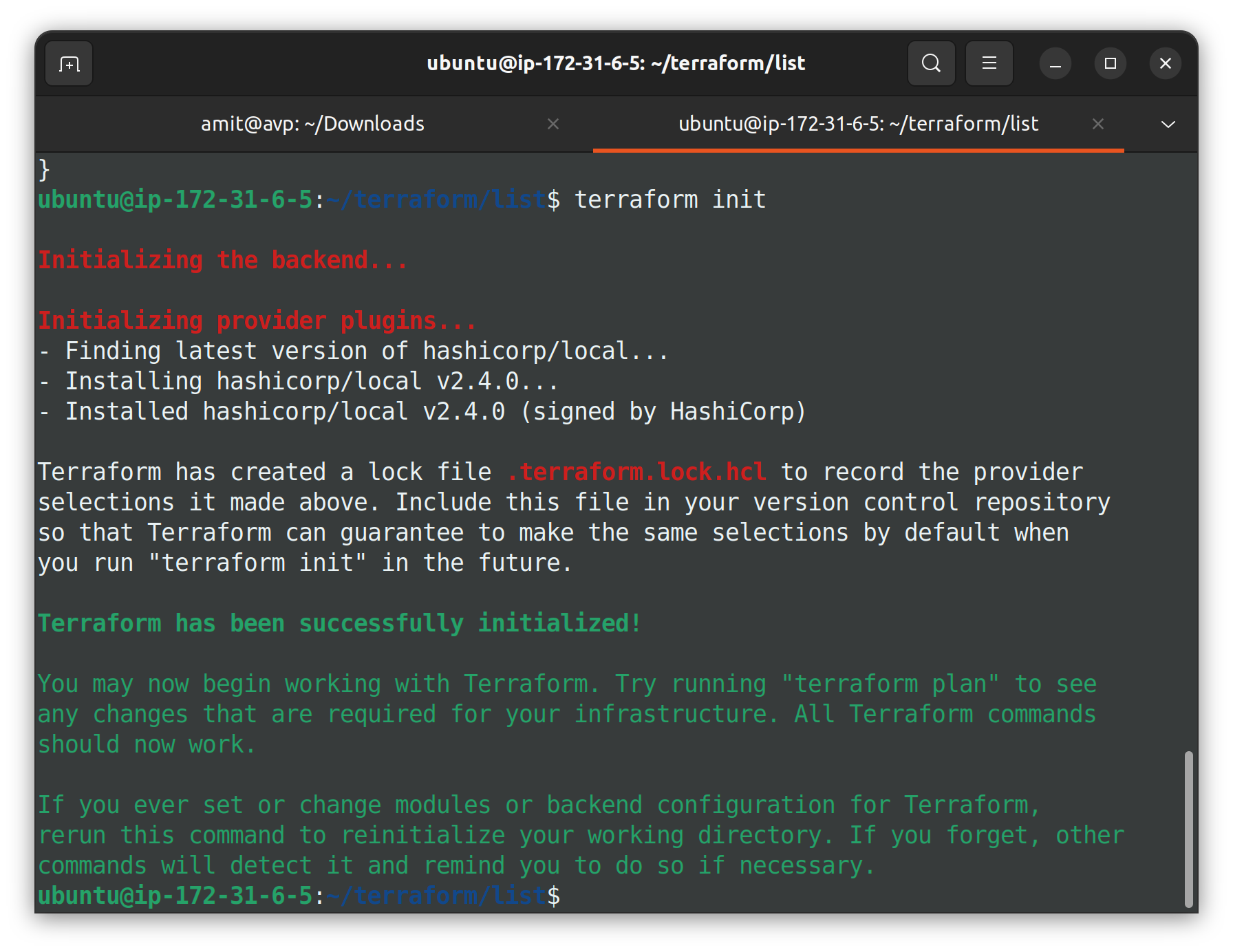
Initialize with terraform init command.
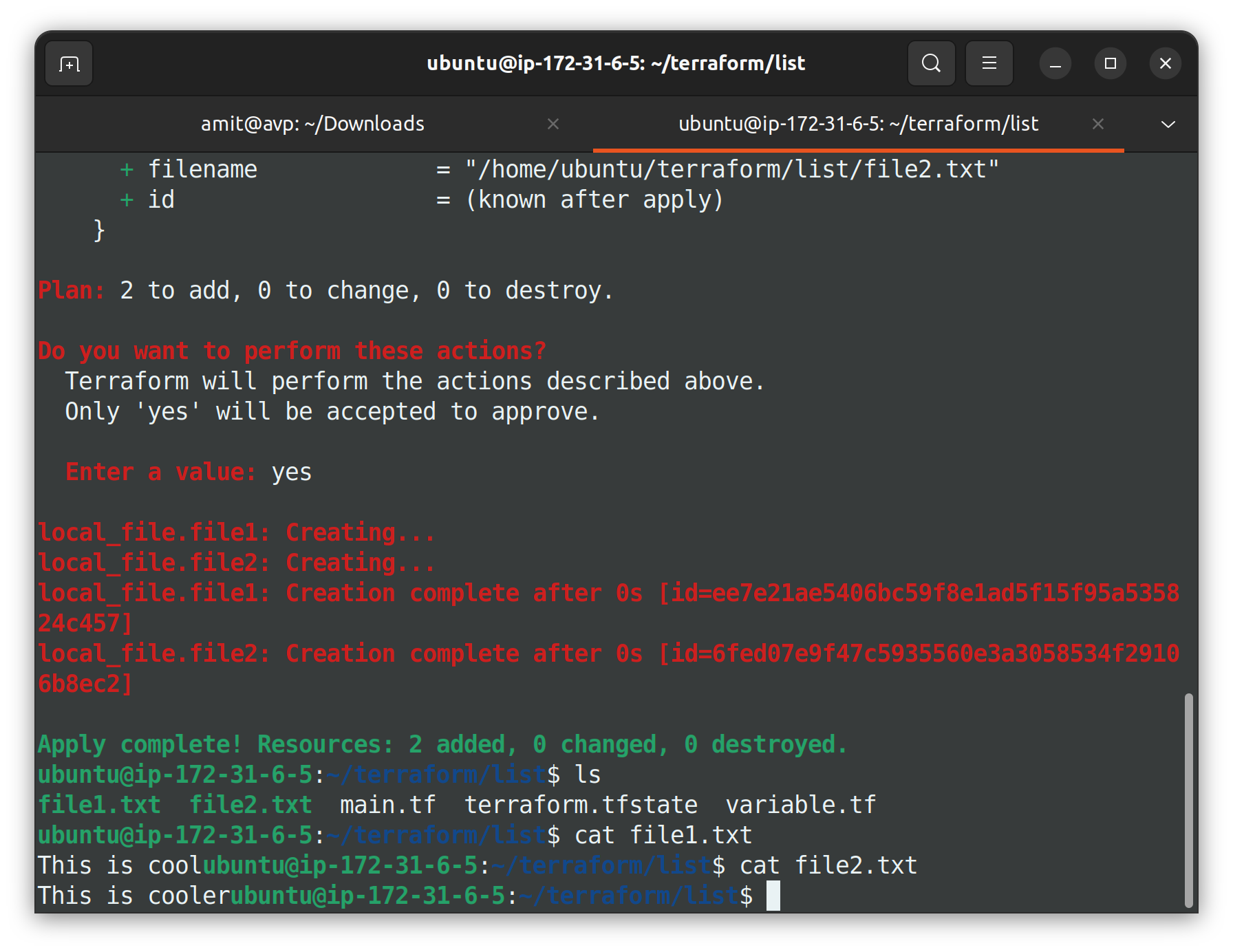
Use the terraform apply command to provision. Confirm the changes.
By understanding and effectively utilizing Terraform variables and data types, you enhance your ability to create flexible, maintainable, and robust infrastructure configurations.
Thank you so much for taking the time to read till the end! Hope you found this blog informative.
Feel free to explore more of my content, and don't hesitate to reach out if need any assistance from me or in case of you have any questions.
Find me on:- Hashnode LinkedIn Github
Happy Learning!


